 ThumbGlance
NATIVE PIXELS VS ENLARGED PIXELS.
YouTube thumbnail resolution.
Merely enlarging a small raster file changes its dimensions; it does not recreate the original detail that was never recorded. Start with a design that has enough real detail at the intended export size.
YouTube currently recommends 3840 × 2160 pixels for standard video thumbnails, with a 16:9 shape and a minimum width of 640 pixels. YouTube Help, checked September 24, 2026. This page studies native resolution. For upload limits and formats, see our thumbnail size guide; for cropping and padding, see our aspect-ratio experiment.
See one design at three native sizes ↓Open the local resizer →
One design, three native resolutions
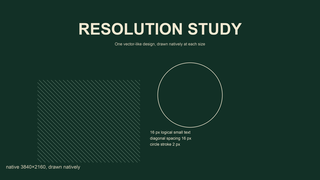
We drew one original design independently at 640 × 360, 1280 × 720 and 3840 × 2160. The layout, colors, text and shape coordinates follow the same proportional design. Each image is a fresh rasterization at its own native size. The small version is not made by reducing the large version, and the large version is not an enlargement of the small one.
We then normalized every source to a 1280 × 720 PNG with the same Lanczos resampling filter. This deliberately holds output dimensions and lossless encoding constant. The 640-pixel-wide source must be enlarged twice along each axis. The 1280-pixel-wide source needs no resize. The 3840-pixel-wide source is reduced to one third of its width and height. These are local Pillow outputs, not files downloaded from YouTube.
Measured native PNG bytes are 12,672 (640 × 360), 32,995 (1280 × 720) and 142,144 (3840 × 2160). Their normalized 1280 × 720 outputs contain 102,070, 32,995 and 84,836 bytes respectively.
| Native source | Native PNG bytes | Normalized 1280 × 720 PNG bytes | Download the files |
|---|---|---|---|
| 640 × 360 | 12,672 | 102,070 | Native PNG · Normalized PNG |
| 1280 × 720 | 32,995 | 32,995 | Native PNG · Normalized PNG |
| 3840 × 2160 | 142,144 | 84,836 | Native PNG · Normalized PNG |
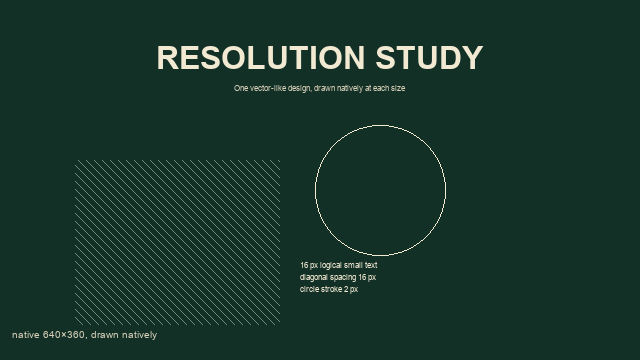
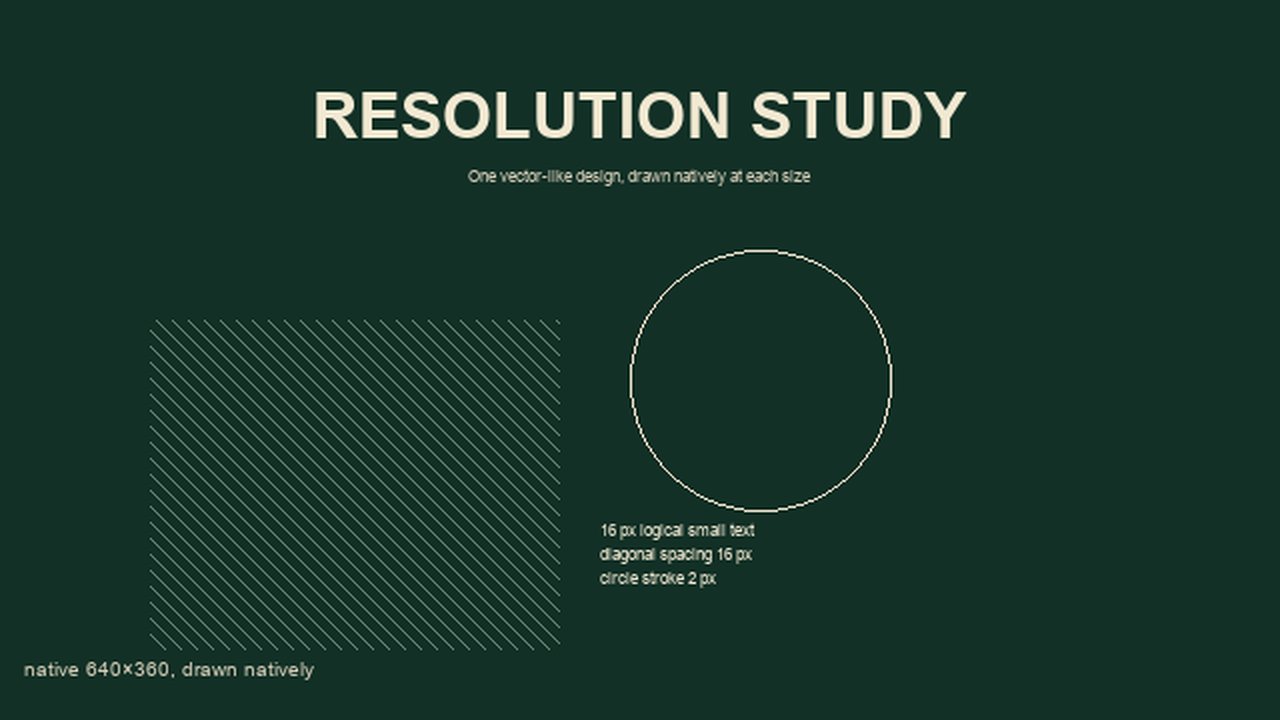
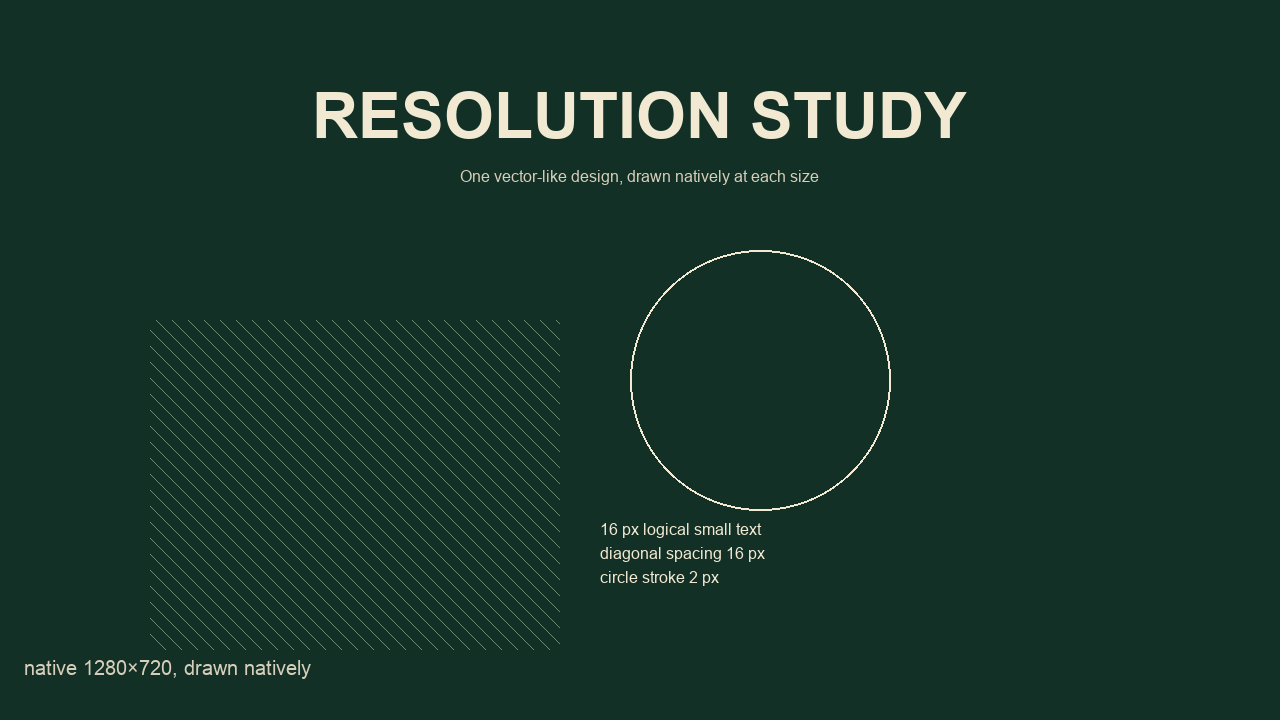
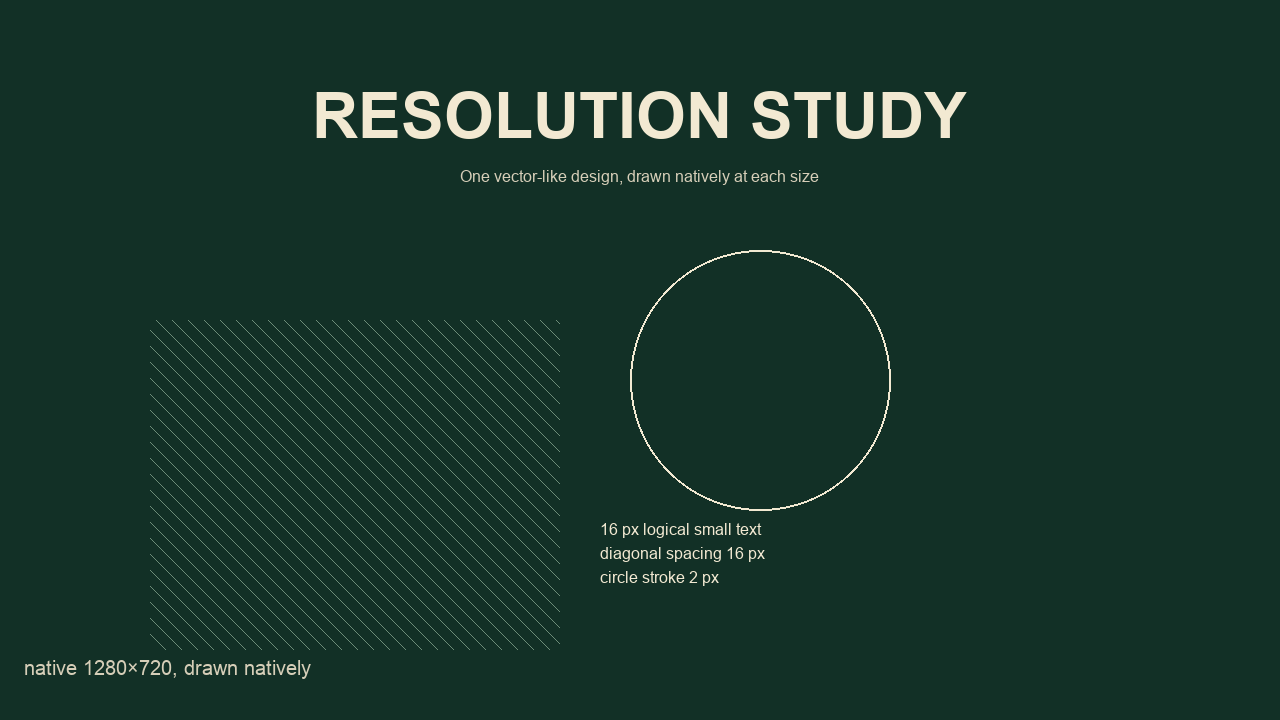
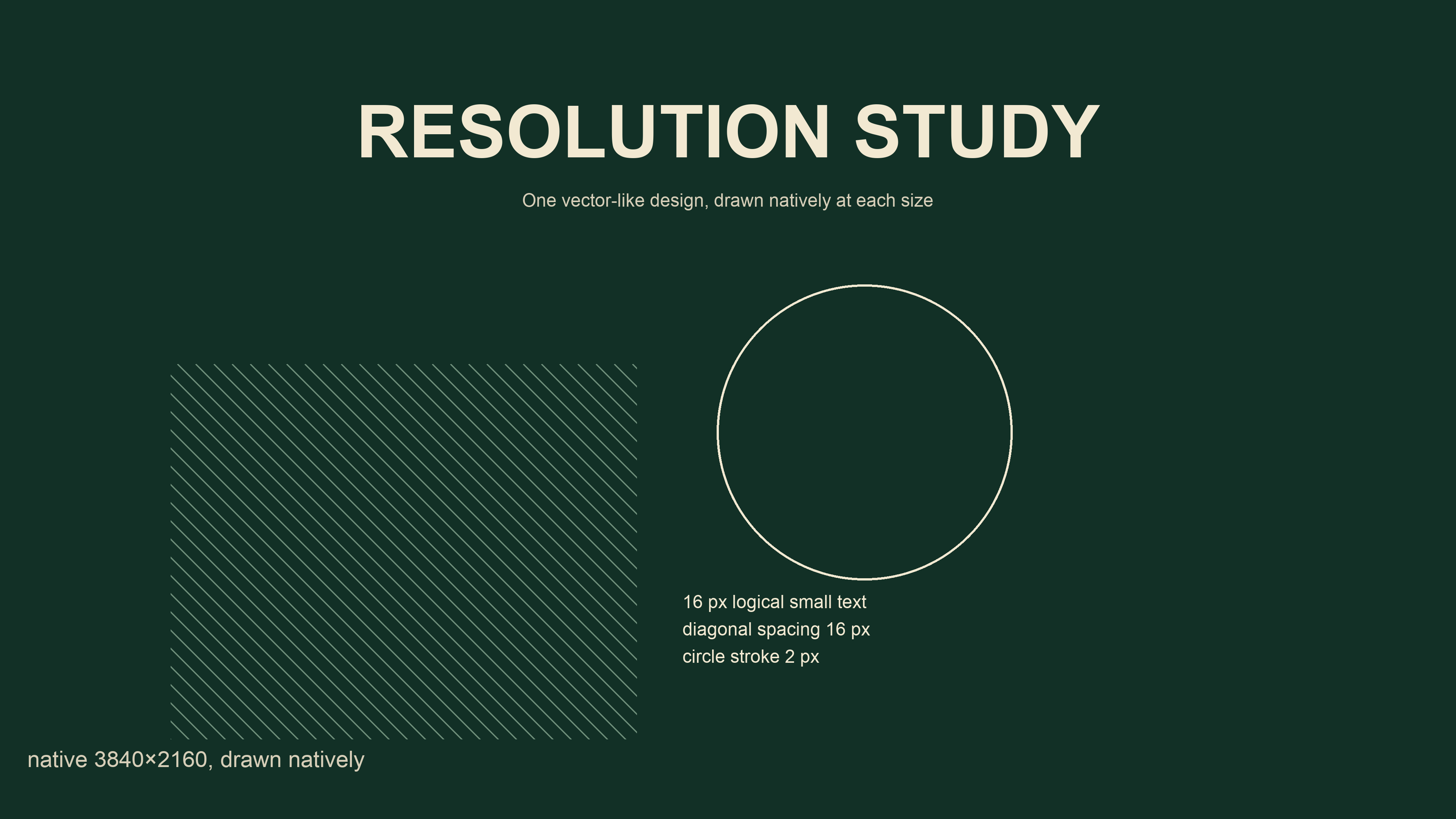
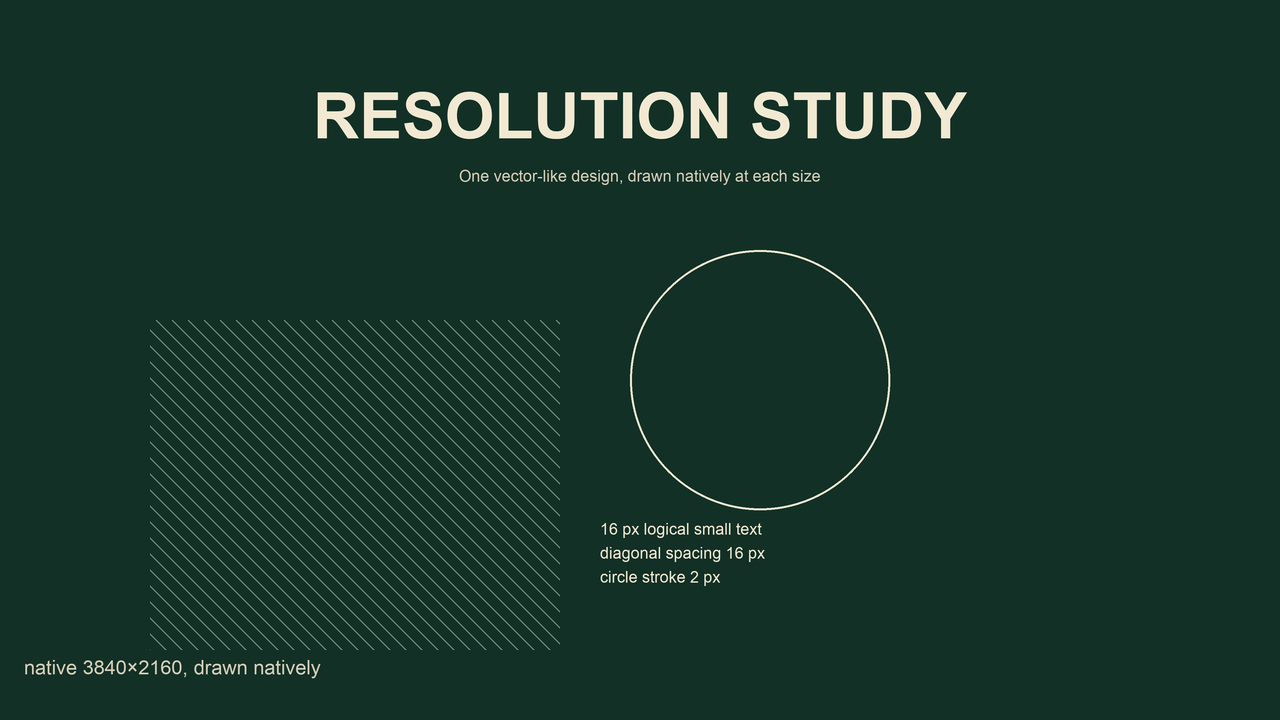
In this example the enlarged low-resolution output is the largest normalized file; byte size is not a sharpness score.
The arithmetic behind the comparison
The native images contain 230,400, 921,600 and 8,294,400 pixels respectively. Doubling both dimensions multiplies the pixel count by four. Tripling both dimensions multiplies it by nine. That is why the 3840 × 2160 source contains nine times as many pixels as the 1280 × 720 source, even though the width is only three times larger.
Our common output contains 921,600 pixels in all three cases. The enlarged 640 × 360 version therefore has four output pixels for every original pixel on average. Interpolation calculates those new values from the existing samples. A larger output file is not evidence that new lettering detail was recovered. Conversely, reducing the largest source combines information from multiple source pixels into each destination pixel. The resulting edge treatment depends on the filter and the original drawing.
File bytes answer another question. PNG byte counts depend on image patterns and compression as well as dimensions. We record actual encoded bytes rather than predicting that nine times the pixels means nine times the file size. This experiment keeps PNG encoding throughout so JPEG quality is not an additional variable. Our separate compression study changes that variable deliberately.
Inspect the same detail, then inspect the small preview
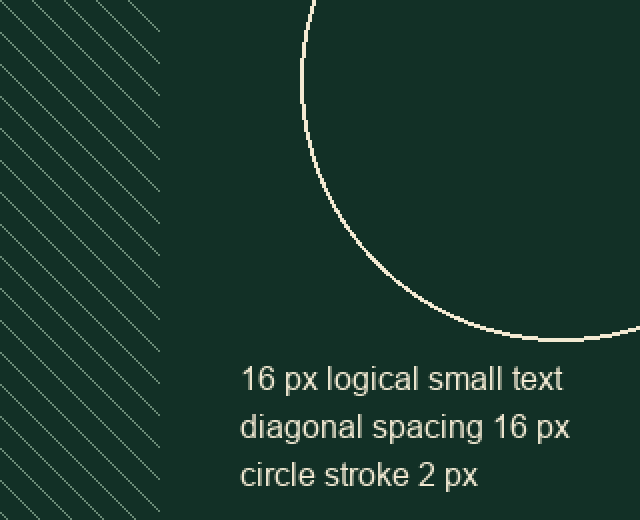
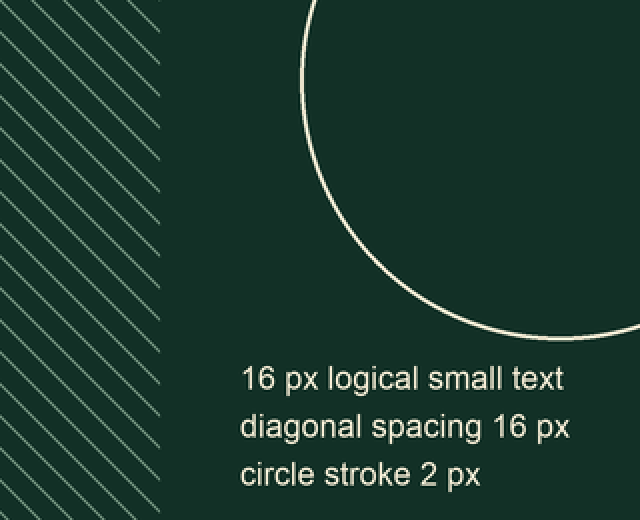
The detail panel takes the same coordinate rectangle from each normalized output. Each crop is enlarged twice with nearest-neighbor sampling so its existing pixels remain inspectable rather than being smoothed again. The labels describe source resolution, not a score. Compare the small lettering, the diagonal edge and the curve at the same on-screen scale. Open the full-size panel before judging tiny differences on a phone.
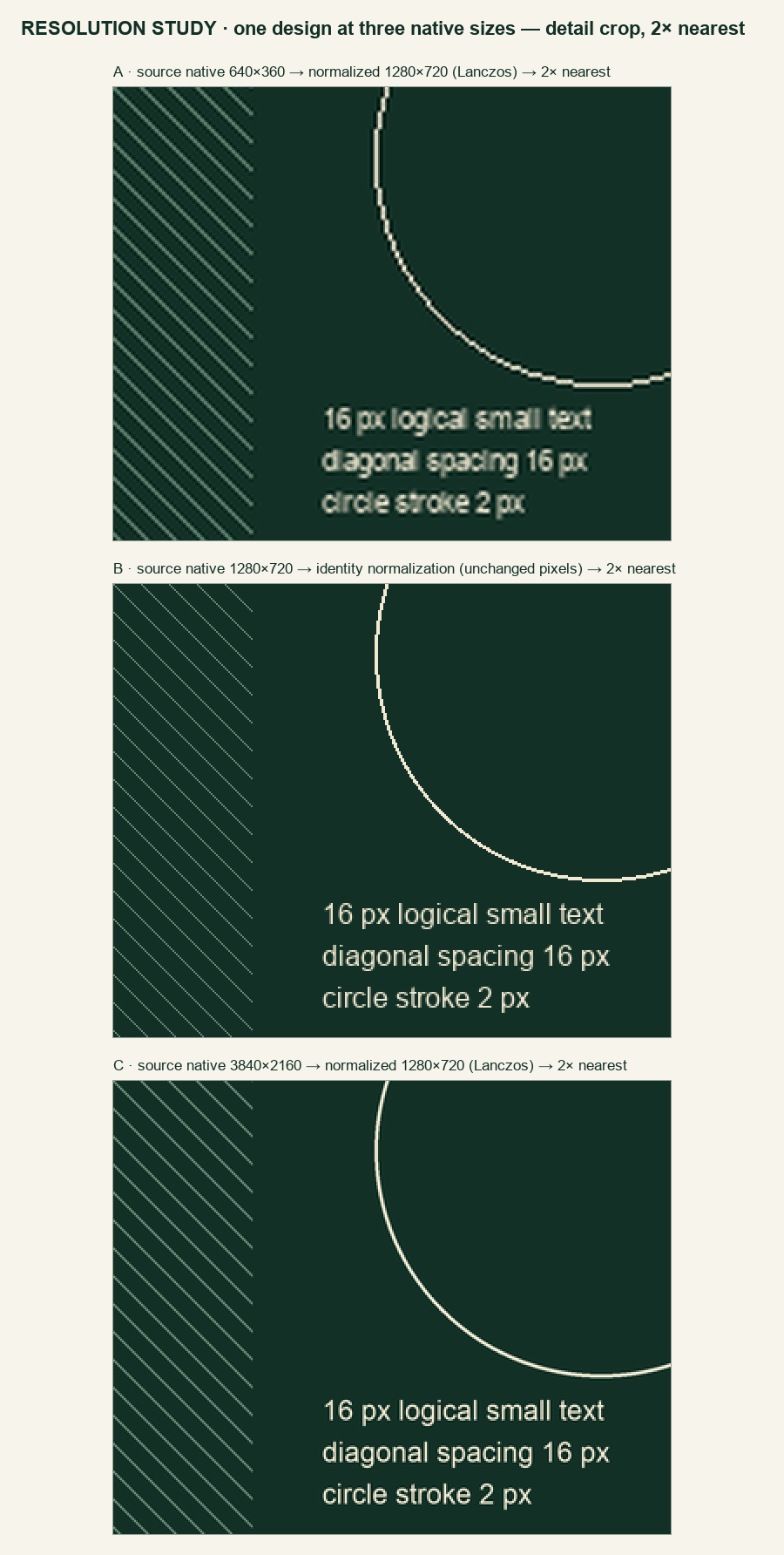
The crop runs from (480, 340) to (800, 600) on each 1280 × 720 output: 320 × 260 pixels, enlarged to 640 × 520. In the inspected panel, the enlarged 640 source has coarser circular steps and softer, heavier small lettering than the unchanged 1280 control. The 3840 source reduced to 1280 gives the curve a smoother edge. These are observations of this particular drawing, not a numerical quality ranking.
Rasterization also rounds coordinates and stroke widths. The one-logical-pixel diagonal line becomes one native pixel at width 640, one at 1280 and three at 3840, because the generator enforces a one-pixel minimum. After enlargement the low-resolution diagonal is therefore proportionally thicker. Do not interpret that line-weight difference as a pure resolution effect. The native-size label changes between images and lies outside the compared crop.
Download the detail panel from the 640 source · from the 1280 control · from the 3840 source
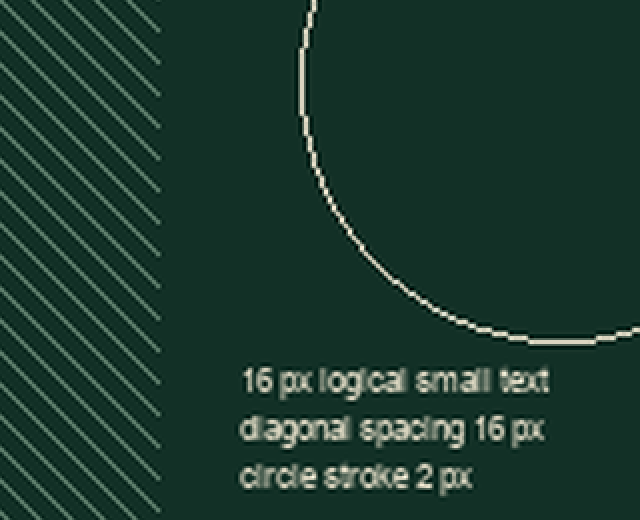
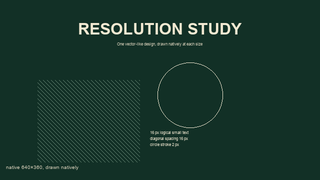
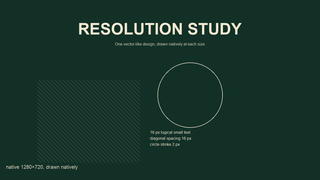
The additional 320 × 180 previews, each resized directly from its native source, are a different check: all three designs have to fit a small display. More source pixels cannot make an overly small label occupy more space in that fixed layout. If a label is difficult to read there, enlarge the label in the design or simplify the composition. Increasing export dimensions alone leaves its proportion of the frame unchanged.
Repeat it and understand the limit
Download the native PNGs, the normalized outputs and the JSON results — the experiment table above links each file. The record includes image dimensions, file bytes, hashes, software version, font choice and crop rectangle. The generator redraws the same coordinates at each native scale, resizes to a common canvas and builds the comparison panels. The unchanged 1280 × 720 control must match its normalized version exactly.
Download the JSON results · Download the generator script
To rerun the study you need Python 3 and Pillow. The script expects Arial at the macOS system paths /System/Library/Fonts/Supplemental/Arial.ttf and /System/Library/Fonts/Supplemental/Arial Bold.ttf and exits if either font is missing. All outputs are written to an output/ folder next to the generator. The script uses no clock, randomness or network inputs, but you only get byte-identical results with the same Python, Pillow, FreeType and font versions recorded in the JSON.
This is one synthetic design, one font and one local rasterization pipeline. It isolates a useful source-resolution question; it does not estimate click-through rate, rank designs or reproduce YouTube's processing. Browser zoom, screen pixel density and the viewer's actual display size can change how obvious the differences look. A photograph may behave differently from our text and geometric shapes. Keep the source design and inspect your own output instead of treating this example as a universal sharpness guarantee.
Questions, answered
Does YouTube have a special A/B-test resolution rule?
Yes. YouTube's A/B testing help says that if any test thumbnail is below 1280 × 720, all thumbnails in that experiment are downscaled to 854 × 480. That rule describes its testing feature, not every thumbnail display. Source: YouTube Help.
Can changing DPI fix a low-resolution file?
The experiment compares pixel dimensions, not print metadata. Changing a DPI label without changing the raster does not add pixels. Re-export from the original design when possible, then check the actual output at its intended display size.
Is this another thumbnail size guide?
The size guide answers which specifications to use. This experiment asks what changes when the source was originally drawn with fewer or more pixels, while the final comparison dimensions stay fixed. Use both checks: export to appropriate dimensions, then inspect the detail and the small preview.