 ThumbGlance
YouTube Thumbnail Ideas: 10 Layouts Checked at the Size Viewers See
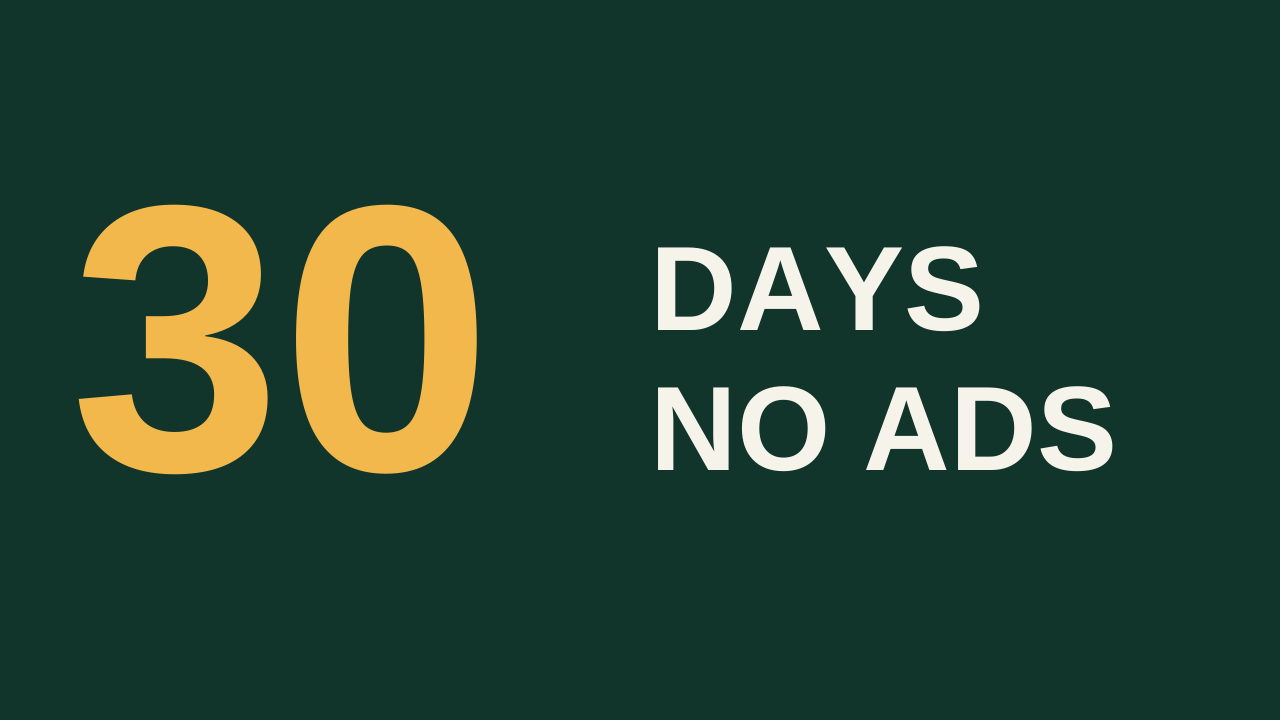
The smallest thumbnail we measured on YouTube was 215 × 121 pixels, in the watch-page sidebar of a 1280-pixel-wide window. That is about one sixth of the width of the 1280 × 720 file. Nine of the ten layout ideas below keep their text at 12 px or more at that size. The twelve-word one drops to 8 px.
The 10 ideas at sidebar size
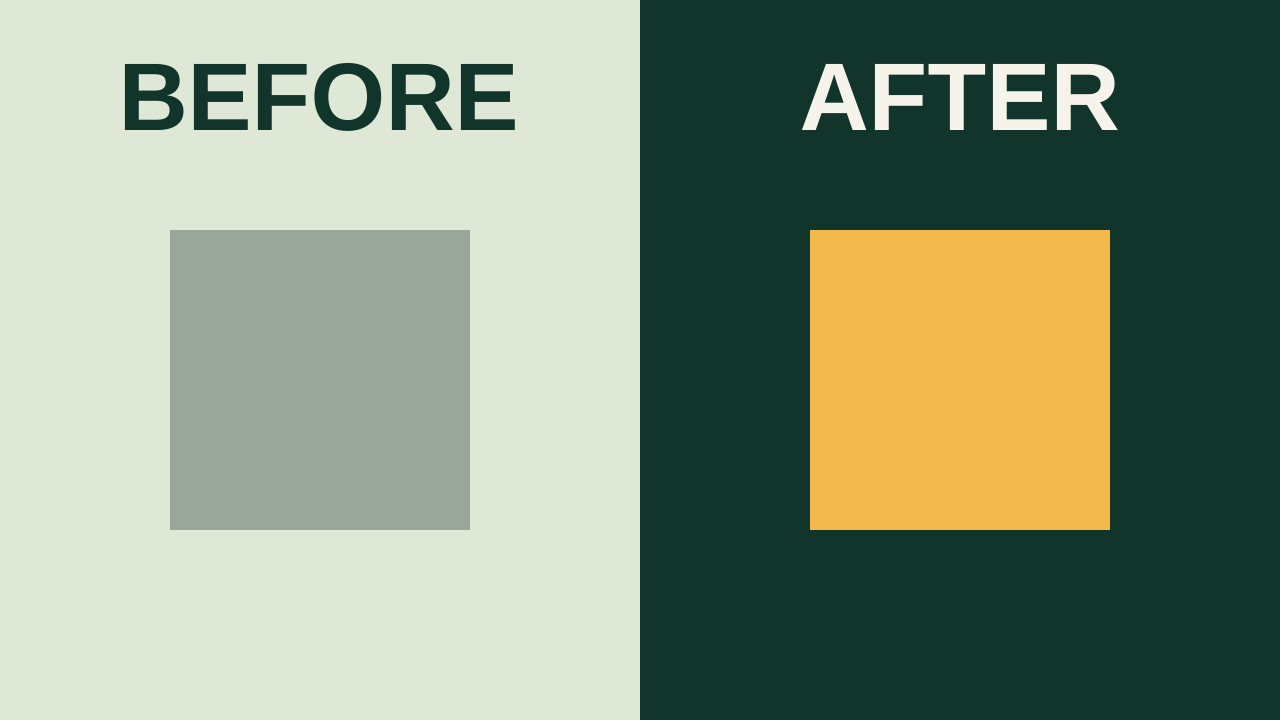
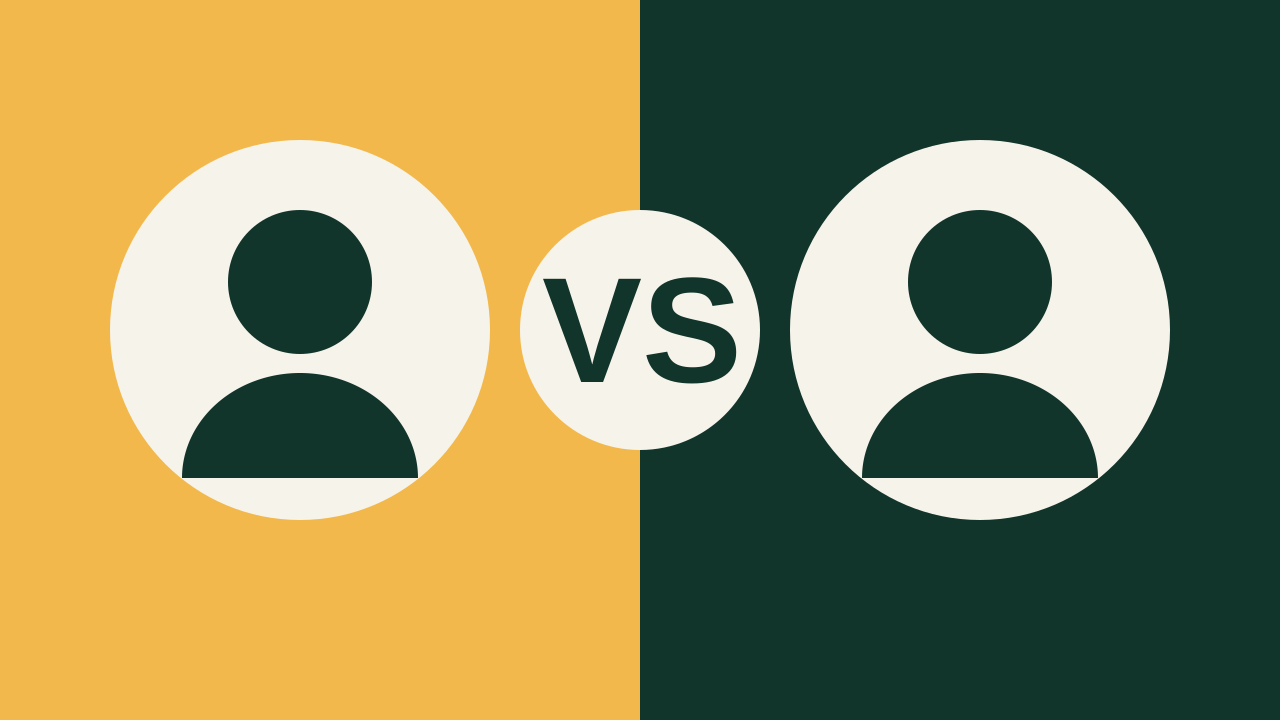
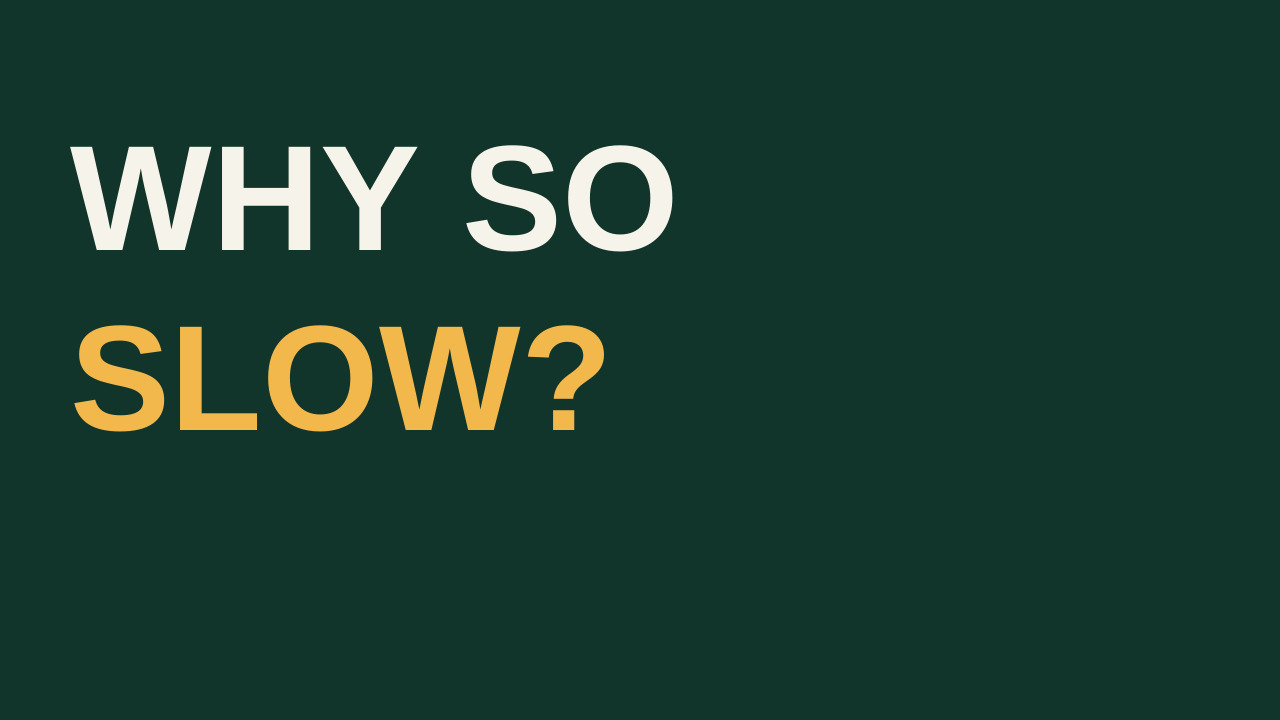
Each sample is our own drawing on a 1280 × 720 canvas in Arial Bold. Each picture is shown 215 pixels wide, the size in the sidebar.


| # | Idea | Words | Text size on the canvas | In the sidebar (215 px) | On a phone, mobile site (375 px) | In desktop search (500 px) |
|---|---|---|---|---|---|---|
| 1 | Three words and one subject | 3 | 170 px | 28.5 px | 49.8 px | 66.4 px |
| 2 | One big number | 1 | 380 px | 63.8 px | 111.3 px | 148.4 px |
| 3 | Before and after split | 2 | 96 px | 16.1 px | 28.1 px | 37.5 px |
| 4 | Versus | 1 | 150 px | 25.2 px | 43.9 px | 58.6 px |
| 5 | A short question | 3 | 150 px | 25.2 px | 43.9 px | 58.6 px |
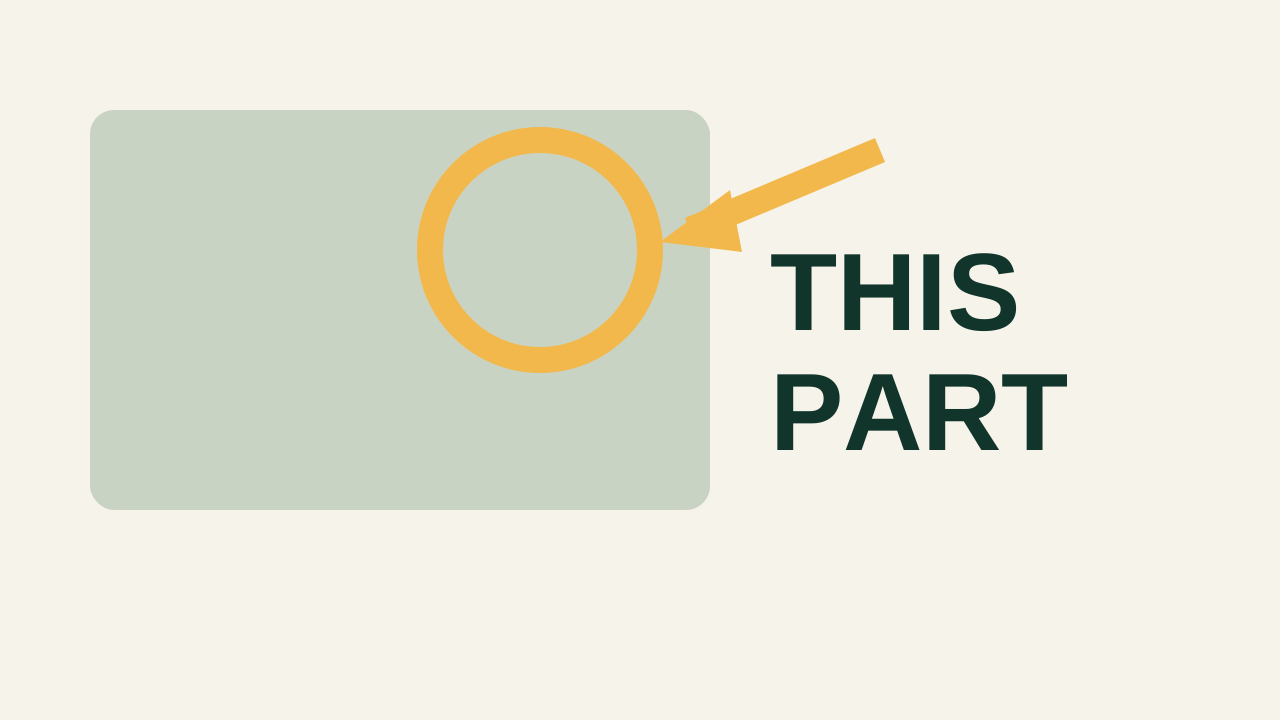
| 6 | Circle and arrow on one detail | 2 | 110 px | 18.5 px | 32.2 px | 43.0 px |
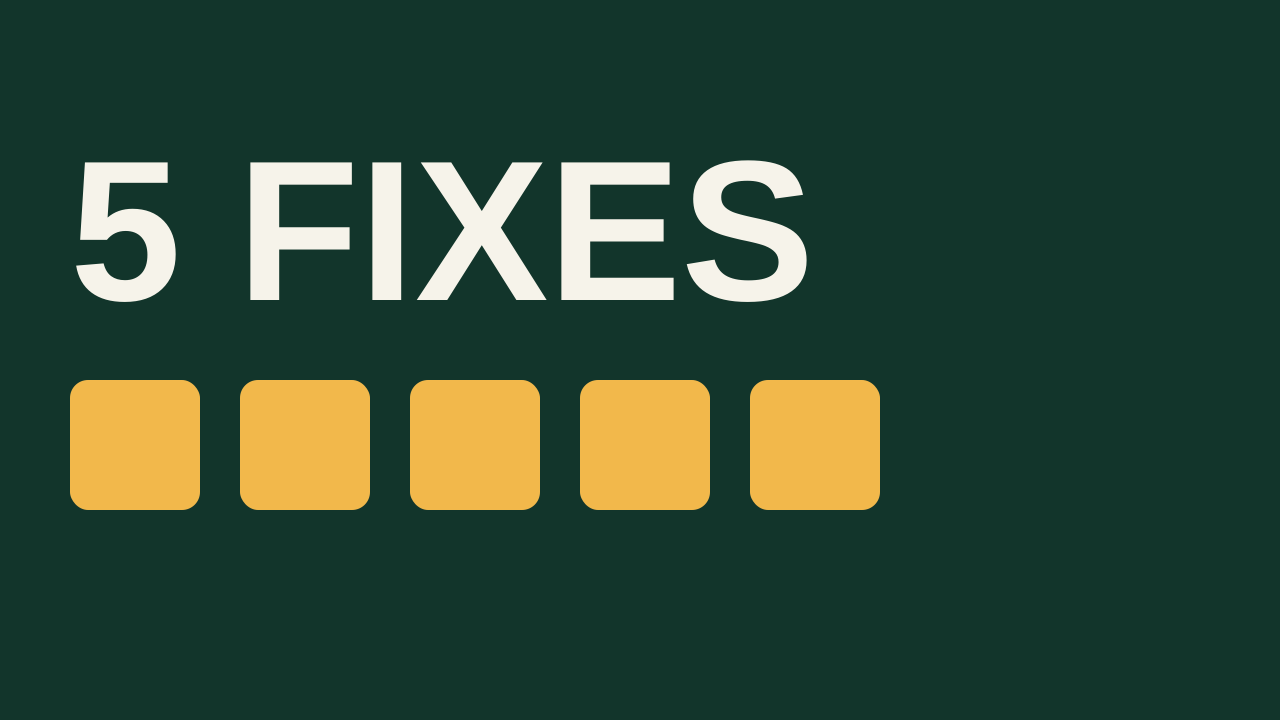
| 7 | A count of steps | 2 | 200 px | 33.6 px | 58.6 px | 78.1 px |
| 8 | No text, subject fills the frame | 0 | none | none | none | none |
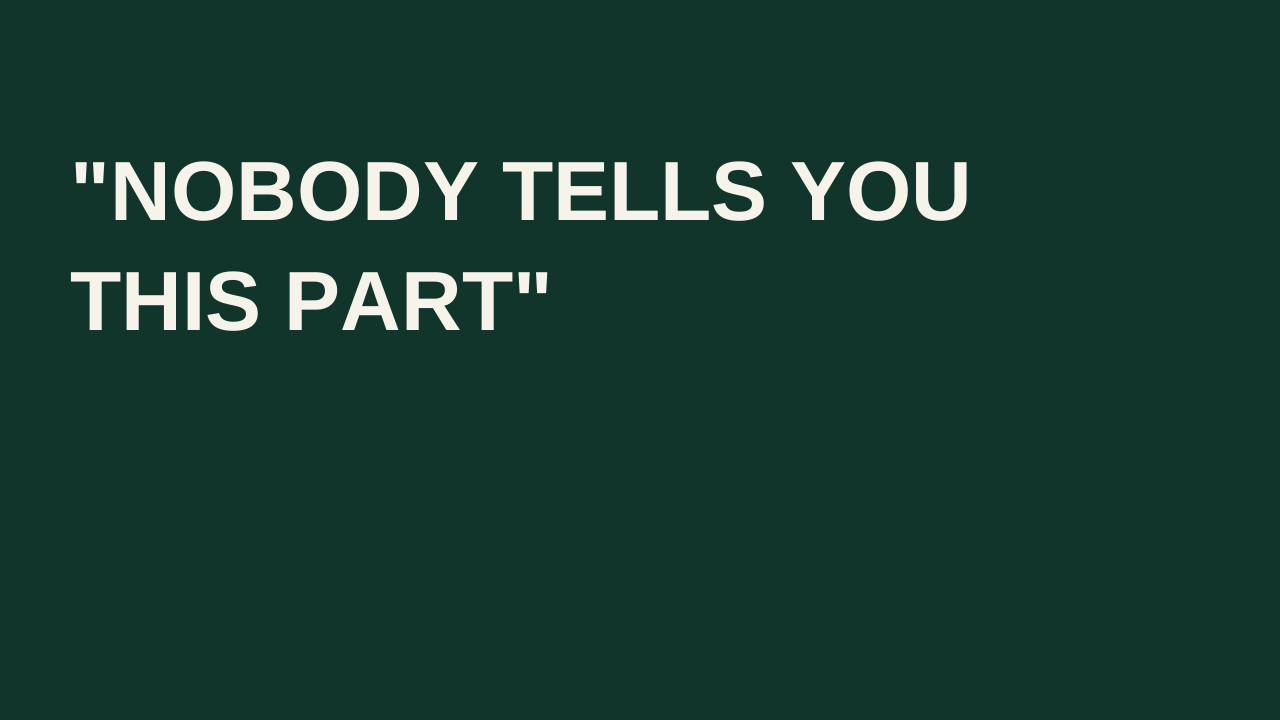
| 9 | A six-word quote | 6 | 84 px | 14.1 px | 24.6 px | 32.8 px |
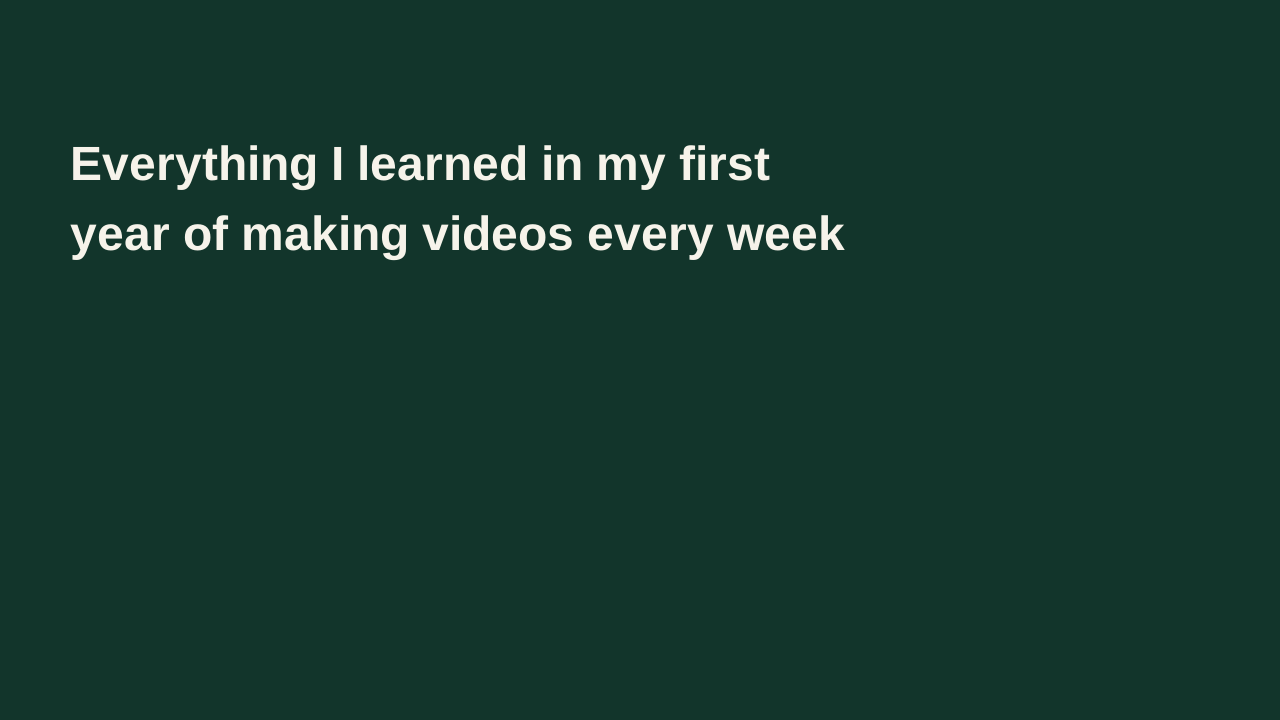
| 10 | Twelve words (what fails) | 12 | 48 px | 8.1 px | 14.1 px | 18.8 px |
How to use each one:
- Three words and one subject. Put the subject on one side and three words on the other. It suits vlogs, challenges and opinion videos.
- One big number. Make the number the largest thing in the frame and add two or three small words. It suits results, prices and time spans.
- Before and after split. Divide the frame in half and label each half with one word. It suits makeovers, edits and repairs.
- Versus. Put one subject on each side and "VS" in the middle. It suits comparisons and reviews.
- A short question. Ask the question the video answers in three words. It suits explainers.
- Circle and arrow on one detail. Show one object, ring the part that matters and name it in two words. It suits tutorials and reviews.
- A count of steps. Show the count and one word, such as "5 FIXES". It suits lists and how-to videos.
- No text. Let one subject fill at least half of the frame height. It suits travel, food and product shots, where the title can carry the words.
- A six-word quote. Six words on two lines is about the limit: at 84 px the text is 14 px tall in the sidebar.
- Twelve words. Two full lines of text at 48 px fall to 8 px in the sidebar. Cut it to one of the ideas above.
How big YouTube shows a thumbnail (measured)
On October 10, 2026 we opened YouTube at four window sizes and read the size of every thumbnail on the page from the browser. Sizes are CSS pixels.
| Where | Window | Thumbnail size | Thumbnails read |
|---|---|---|---|
| Watch page sidebar, computer | 1280 × 800 | 214.8 × 120.8 | 4 |
| Watch page sidebar, computer | 1920 × 1080 | 324.8 × 182.7 | 3 |
| Channel Videos tab, computer | 1280 × 800 | 347.3 × 195.4 | 3 |
| Channel Videos tab, computer | 1920 × 1080 | 420.0 × 236.2 | 3 |
| Home grid, computer | 1280 × 800 | 371.0 × 208.7 | 3 |
| Home grid, computer | 1920 × 1080 | 528.3 × 297.2 | 3 |
| Search results, computer | 1280 × 800 | 500.0 × 280.5 | 20 |
| Search results, computer | 1920 × 1080 | 500.0 × 280.5 | 1 |
| Search results, mobile site | 375 × 812 | 375.0 × 210.4 | 4 |
| Search results, mobile site | 412 × 915 | 412.0 × 231.3 | 4 |
| Home feed, mobile site | 375 × 812 | 375.0 × 210.9 | 2 |
| Below the player, mobile site | 375 × 812 | 375.0 × 223.9 | 4 |
Three things stand out:
- The smallest size was on a computer, not a phone. The mobile site showed thumbnails across the full width of the screen, 375 or 412 pixels. The sidebar on a 1280-pixel computer window showed them at 215.
- Search results did not grow with the window. They were 500 pixels wide at both 1280 and 1920.
- The same thumbnail was shown at sizes from 215 to 528 pixels wide. That is a range of about 2.5 times, so a design has to work at the small end.
Download the measurements (every row, the method and what we did not measure)
The 72-pixel rule
YouTube draws its own duration label on each thumbnail in 12 px type. We used that as the floor: thumbnail text should not be smaller than the label YouTube puts on top of it.
At 215 pixels wide, a 1280 × 720 design is shown at 16.8% of its size. For text to reach 12 px there, it has to be 71.5 px on the canvas. Rounded up, that is 72 px, or 10% of the canvas height.
| Where | Width | Canvas text size that shows at 12 px |
|---|---|---|
| Watch page sidebar, 1280 window | 214.8 px | 71.5 px |
| Channel Videos tab, 1280 window | 347.3 px | 44.2 px |
| Home grid, 1280 window | 371.0 px | 41.4 px |
| Mobile site, 375 screen | 375.0 px | 41.0 px |
| Desktop search | 500.0 px | 30.7 px |
The 12 px floor is our choice of benchmark, not a YouTube rule. To pick a typeface and try a title at this size, use the font preview.
Keep the bottom-right corner clear
The duration label sits in the bottom-right corner. We measured it at 20 to 28 pixels tall and 32 to 60 pixels wide, either flush with the corner or 8 pixels in from it. YouTube showed both styles in the same session.
On the smallest thumbnail the label took 21.6% of the width and 19.9% of the height. On a 1280 × 720 canvas that is a box of 277 × 143 pixels. Keep faces, numbers and words out of the bottom-right 280 × 150 pixels. Longer videos have wider labels, so leave more room if your videos run over an hour.
from fractions import Fraction as F
W, H = 1280, 720
sidebar_w, sidebar_h = F('214.8'), F('120.8')
assert round(float(sidebar_w / W) * 100, 1) == 16.8          # share of full size
assert round(float(12 * W / sidebar_w), 1) == 71.5           # canvas px that shows at 12 px
assert 72 == H // 10                                         # 10% of canvas height
assert [round(float(12 * W / F(w)), 1) for w in ('347.3', '371', '375', '500')] == [44.2, 41.4, 41.0, 30.7]
assert round(float(F('46.5') / sidebar_w * W)) == 277        # label width on the canvas
assert round(float(24 / sidebar_h * H)) == 143               # label height on the canvas
assert [round(float(s * sidebar_w / W), 1) for s in (170, 96, 84, 48)] == [28.5, 16.1, 14.1, 8.1]
assert round(float(F('528.3') / sidebar_w), 1) == 2.5        # largest vs smallest width
print('Thumbnail idea checks passed')
Check your own thumbnail
Drop your image into the thumbnail tester to see it in six layouts before you upload. For the file itself, the size guide lists YouTube's upload specs. To compare two finished thumbnails on real viewers, see the A/B test guide.
What this does and does not show
- We measured one computer and one browser on October 10, 2026, signed out, at 100% zoom. YouTube changes its layouts and tests variants, so your sizes can differ.
- The phone rows are the mobile website in an emulated phone browser. We did not measure the YouTube phone or TV apps.
- The ten samples are our own drawings, not real videos. Text size is one thing you can check before uploading; it does not predict clicks.
- We did not measure contrast, faces or colour.